 RapVideoLab
AI Rap Battle Generator
Give two performers a playful topic to argue about. Cast them with a shared photo or two portraits, then generate a short call-and-response video.
The Rap Studio
My projectsYour outputYour next performance starts here
Add your inputs, choose a style, and generate. Your finished rap or video appears here.
Check the face, voice, and timing before sharing. AI results can vary between generations.
Early bird vs. night owl
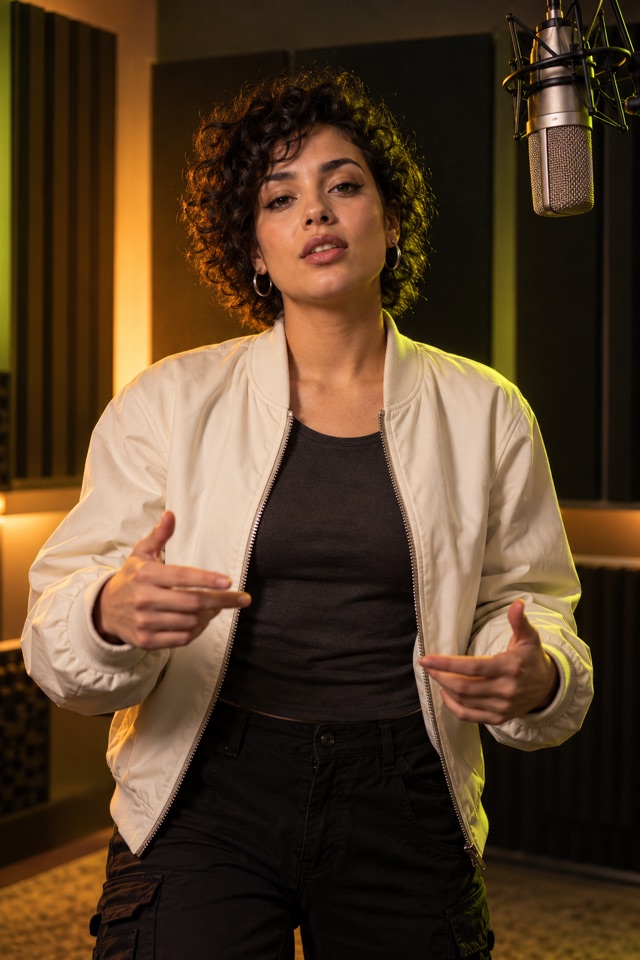
Two AI-generated portraits guided this 10-second 768p H3 test clip. The performers appear in separate studio shots as they rap about when they do their best work. The web clip is resized.
How to make an AI rap battle
- Choose a friendly disagreement, such as mornings vs. late nights, and describe each performer’s point of view.
- Upload one clear photo of both performers or two individual portraits. Use images you have permission to use and ask recognizable people to consent.
- Pick a beat style, scene, and video length. Review who says each line and how each performer looks before sharing.
AI Rap Battle Generator FAQ
- How many photos does a rap battle need?
- Rap battle mode requires at least one photo. Use a shared photo that shows both performers clearly, or upload two separate portraits.
- Can I write the lines for both performers?
- Yes. Add short original lyrics and indicate who should deliver each part. The generated video may change the words or assign a line to a different performer.
- Do I need to record two voices first?
- You can leave reference audio empty and generate the voices and beat from the battle topic or lyrics. Voice distinction and turn-taking can vary.
- How much does it cost to generate a battle?
- A 5-second 480p preview costs 90 credits. A 10-second 768p battle costs 380 credits. The studio shows the cost for your selected settings before you generate.