 RapVideoLab
Photo to Rap Video
Upload a portrait and add a topic or short verse. Your photo guides the performer’s look while AI creates the vocals, beat, and video.
The Rap Studio
My projectsYour outputYour next performance starts here
Add your inputs, choose a style, and generate. Your finished rap or video appears here.
Check the face, voice, and timing before sharing. AI results can vary between generations.
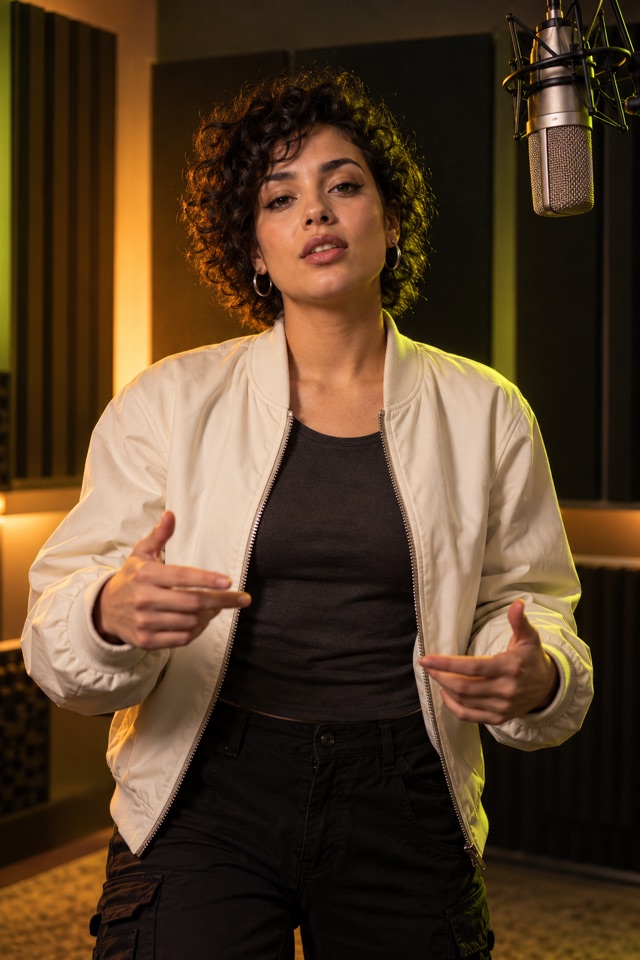
One photo, a recording studio rap
In the November 6 H3 test, one AI-generated portrait guided a 10-second 768p video with English boom-bap vocals and a beat. The web clip is resized.
Reference portrait used to generate this clip
How to turn a photo into a rap video
- Upload a well-lit, front-facing portrait with a clear view of the mouth. Use a JPG, PNG, or WebP up to 10 MB that you have permission to use.
- Add a topic or a few lines of original lyrics, then choose a style and scene. Leave reference audio empty to let AI generate the vocals and beat.
- Choose the length, resolution, and aspect ratio, then check the credit cost before generating. Review the face and performance before sharing.
Photo to Rap Video FAQ
- Can I make a rap video with just one photo?
- Yes. One photo is enough as a visual reference. Enter a topic or some lyrics to guide what the performer raps about. A reference recording is optional.
- Can I upload a picture of someone else?
- Use a photo you own or are authorized to use. Get consent from recognizable people for this use, including permission for any voice or audio you supply.
- How closely will the rapper resemble my photo?
- The image guides the generated character. Facial details and expressions can change, and mouth timing can vary. Check the whole clip before sharing.
- Can I add my own rap recording to the portrait?
- Yes. Add an MP3 or WAV clip up to 15 seconds as reference audio. The video can reinterpret the recording, so the words, voice, and timing may change.