 RapVideoLab
Lyrics to Rap Video
Paste a short original verse and choose a setting. The studio generates the performance, vocals, and beat from your words.
The Rap Studio
My projectsYour outputYour next performance starts here
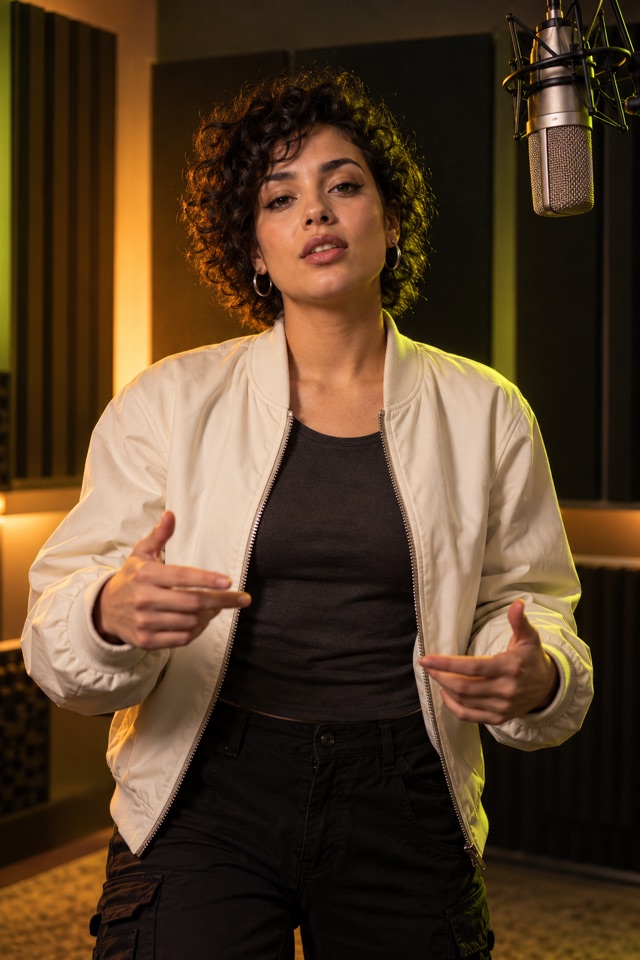
Add your inputs, choose a style, and generate. Your finished rap or video appears here.
Check the face, voice, and timing before sharing. AI results can vary between generations.
See a short rap video in action
This 10-second rooftop clip came from a topic-only 768p H3 test. It shows the video format and generated sound. To try a verse of your own, paste it into the Lyrics field. The web clip is resized.
How to turn lyrics into a rap video
- Paste a few short lines you wrote or have permission to use. Read them aloud to check that they fit the clip length.
- Choose English or Mandarin Chinese, a rap style, and a scene. Add a character photo if you want to guide the performer’s look.
- Choose a video length and resolution, then check the credit cost. Play the result and compare the performance with your verse.
Lyrics to Rap Video FAQ
- Can I make the video without recording my verse?
- Yes. Paste your lyrics and leave reference audio empty. Rap video can generate the vocals and beat with the performance.
- Will the video rap my lyrics word for word?
- Your lyrics guide the performance. Generation may change or skip lines, especially if the verse is long for the selected duration. Review the wording, timing, and pronunciation in the finished video.
- How long should my verse be?
- Rap videos run for 5, 10, or 15 seconds. Start with a few short lines that you can comfortably speak in that time.
- Can the studio write lyrics from my idea?
- Yes. Enter a topic and choose Write lyrics to generate a draft for 2 credits. Edit the text before generating the video, which has its own credit cost.