 RapVideoLab
How to make an AI rap video from a topic
See an actual 10-second H3 rooftop rap made from a topic alone, then try the same settings and compare 480p preview and 768p native-audio costs.
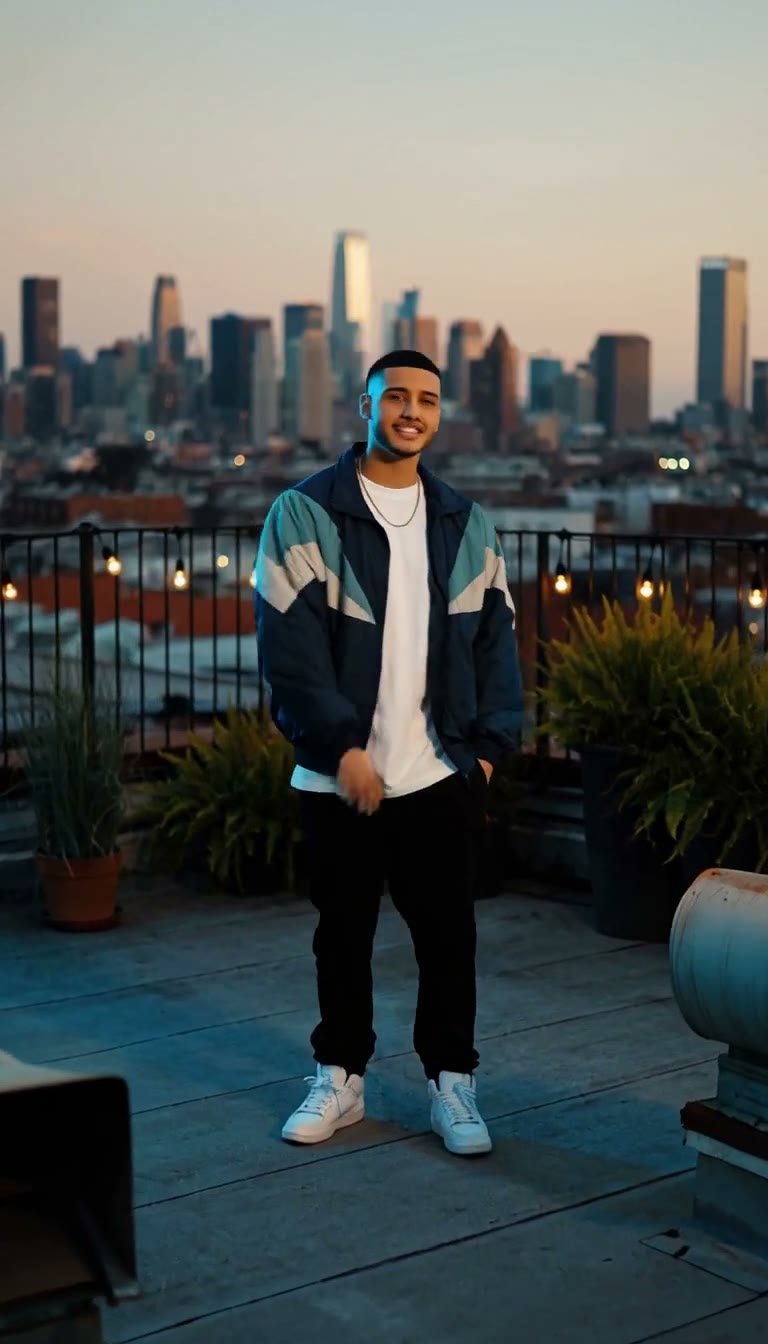
One sentence was enough for our November 6, 2026 test. We asked for a sunrise rooftop rap about turning late-night ideas into a fresh start. Rap video generated the performer, vocals, and beat from that idea. We left the photo, lyrics, and reference audio fields empty.
The original MiniMax H3 output ran about 10.1 seconds at 768 × 1344 with an audio track. The player shows a compressed web copy. An independent speech-recognition check detected English. We left exact wording and lip timing unscored.
Make a 10-second clip from an idea
- Choose Rap video and enter a short topic. For the rooftop setup, try “Perform an original boom-bap rap on a rooftop at sunrise about turning late-night creative ideas into a fresh new day.”
- Pick Boom bap, the rooftop scene, and English. Set the length to 10 seconds, the aspect ratio to 9:16, and the resolution to 768p — HD Native Audio. Leave character photos and reference audio empty.
- Review the credit cost, confirm the permissions checkbox, and generate. Play the result with sound and check whether the words, delivery, mouth movement, and framing fit your idea before downloading.
How many credits does it take?
- 5 seconds at 480p — Quick preview costs 90 credits (5 × 18).
- 10 seconds at 768p — HD Native Audio costs 380 credits (10 × 38).
- Sign-up includes 30 free welcome credits, which covers one Original rap song. A video requires a higher credit balance.
Topic-only generation leaves creative choices up to the model. A second take can change the performer, wording, vocal delivery, and timing. If you have particular lines in mind, paste a short verse and listen back to check what the model actually performed.